This week's improvements make automations useful for the whole team and give you more control over imports.
Automations can run as the person who triggered them
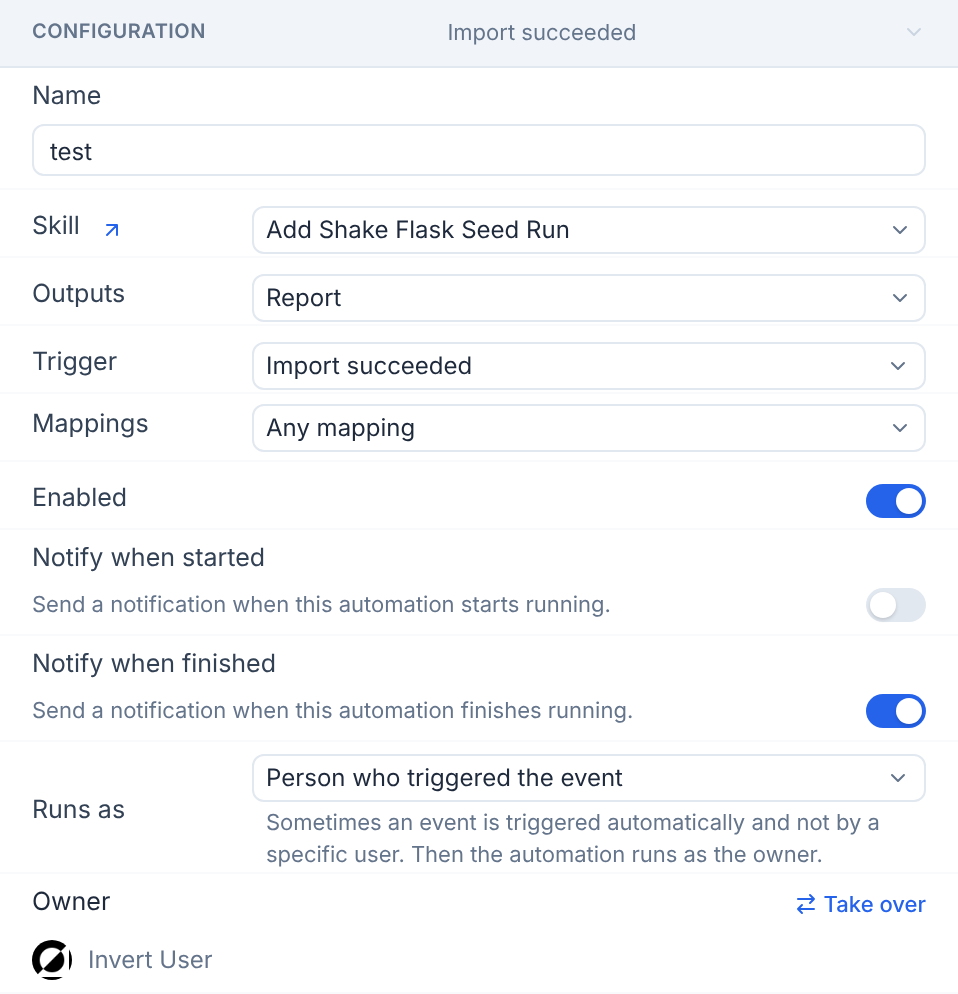
Event-based automations have a new Run as option, Person who triggered the event. When a user's import triggers the automation, it runs as that user and they get the notifications, so one automation can serve everyone in your organization.
Import Preview for multi-file uploads
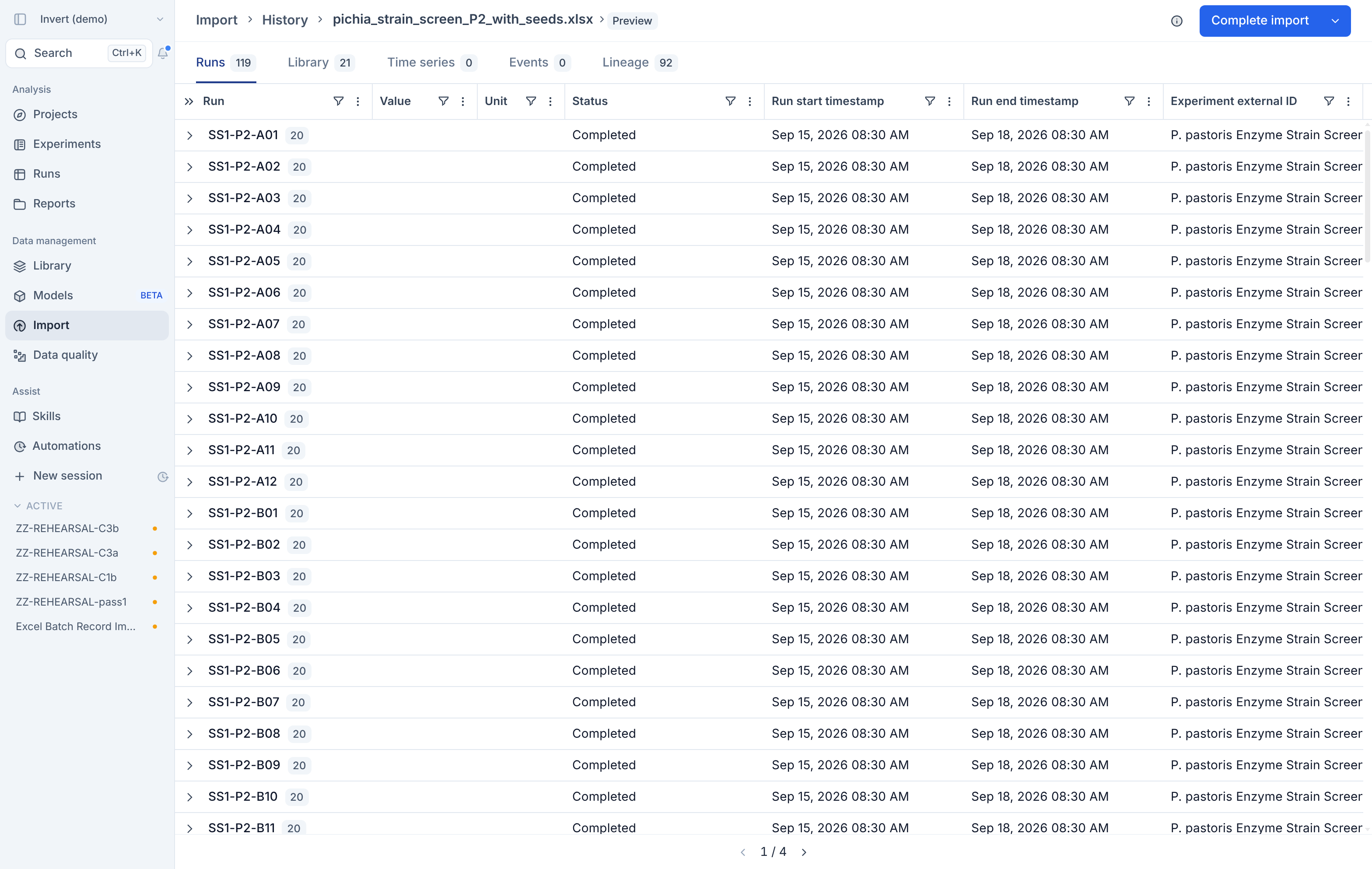
When you upload several files at once, you can now review the import preview for each file. Step through the files one at a time, then approve each one or dismiss them in bulk.
And a few more
- Ask Assist to create or edit an automation, and it looks at your existing skills, mappings and automations, then proposes the automation for you to review.