This week's improvements make long Assist sessions easier to move around in and let you keep working while Assist is busy.
Find your way around long Assist sessions
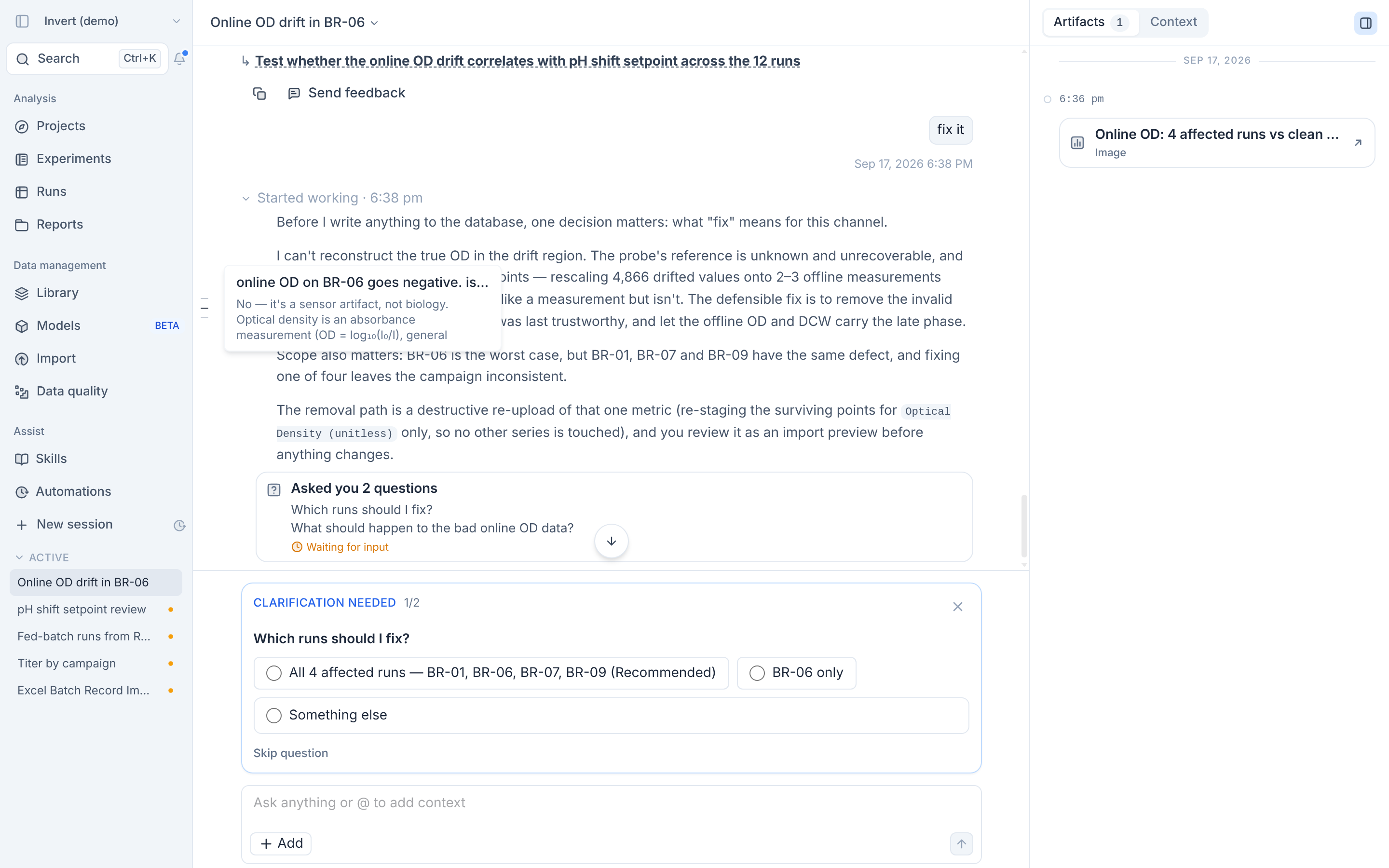
A marker for each of your prompts now runs along the side of the conversation. Hover a marker to preview that prompt and the start of Assist's reply. When you scroll back through a session, an arrow button takes you straight to the latest message.
And a few more
- You can queue messages for Assist while it is still working, and it picks them up when it finishes, so you don't need to wait at the screen.