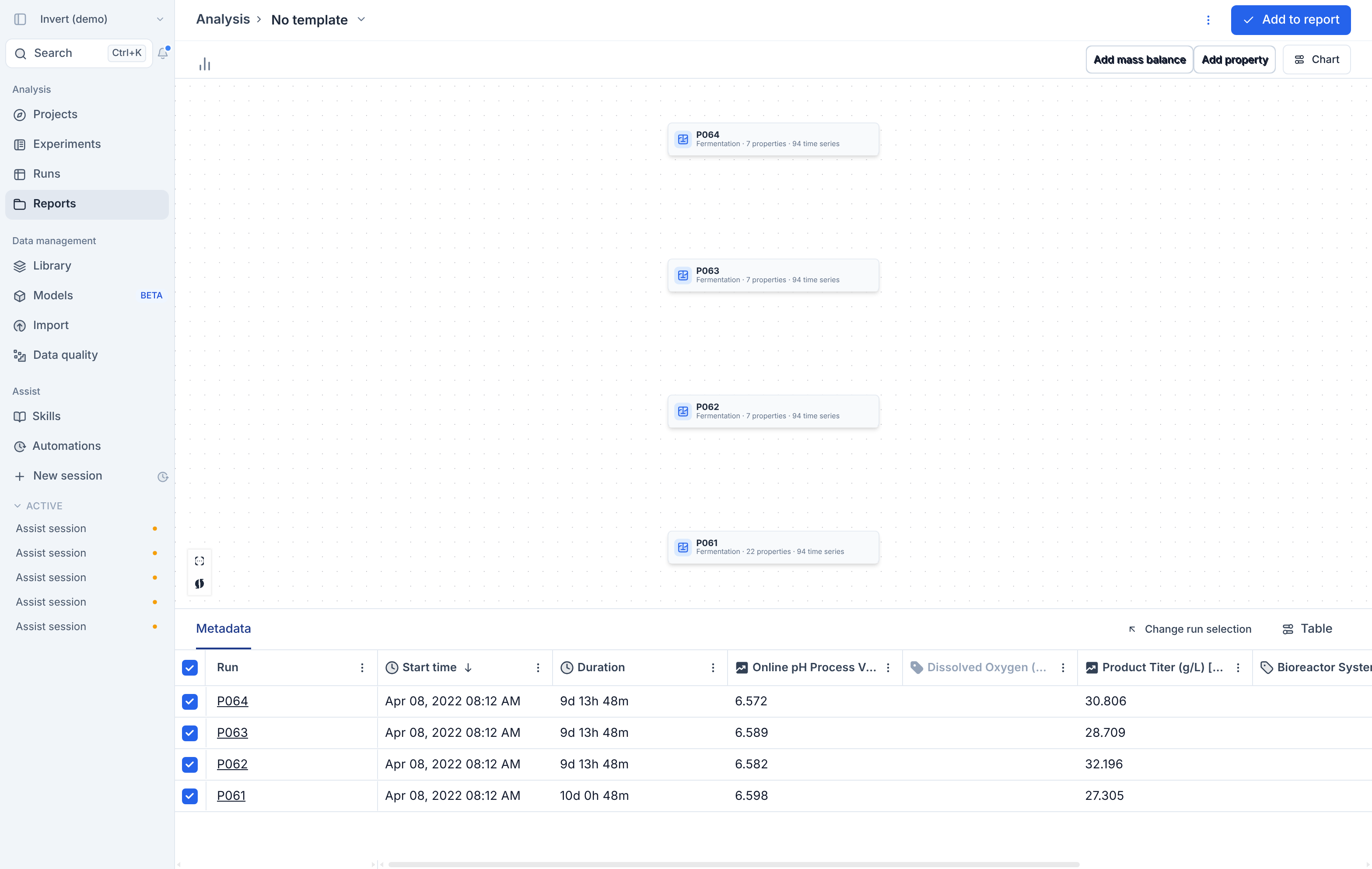
Lineage is now a chart type in Analysis and Reports. Pick it from the chart type selector to view the lineage of several processes side by side, and add it to a report like any other plot.
What you get
- Lineage as a chart type in standalone Analysis and in report plot blocks.
- Multiple runs in one lineage view, so you can compare processes next to each other instead of opening each run page.
Add mass balanceandAdd propertyto bring the usual metric selection into the lineage view.- The same run selection and metadata table you use with other chart types.