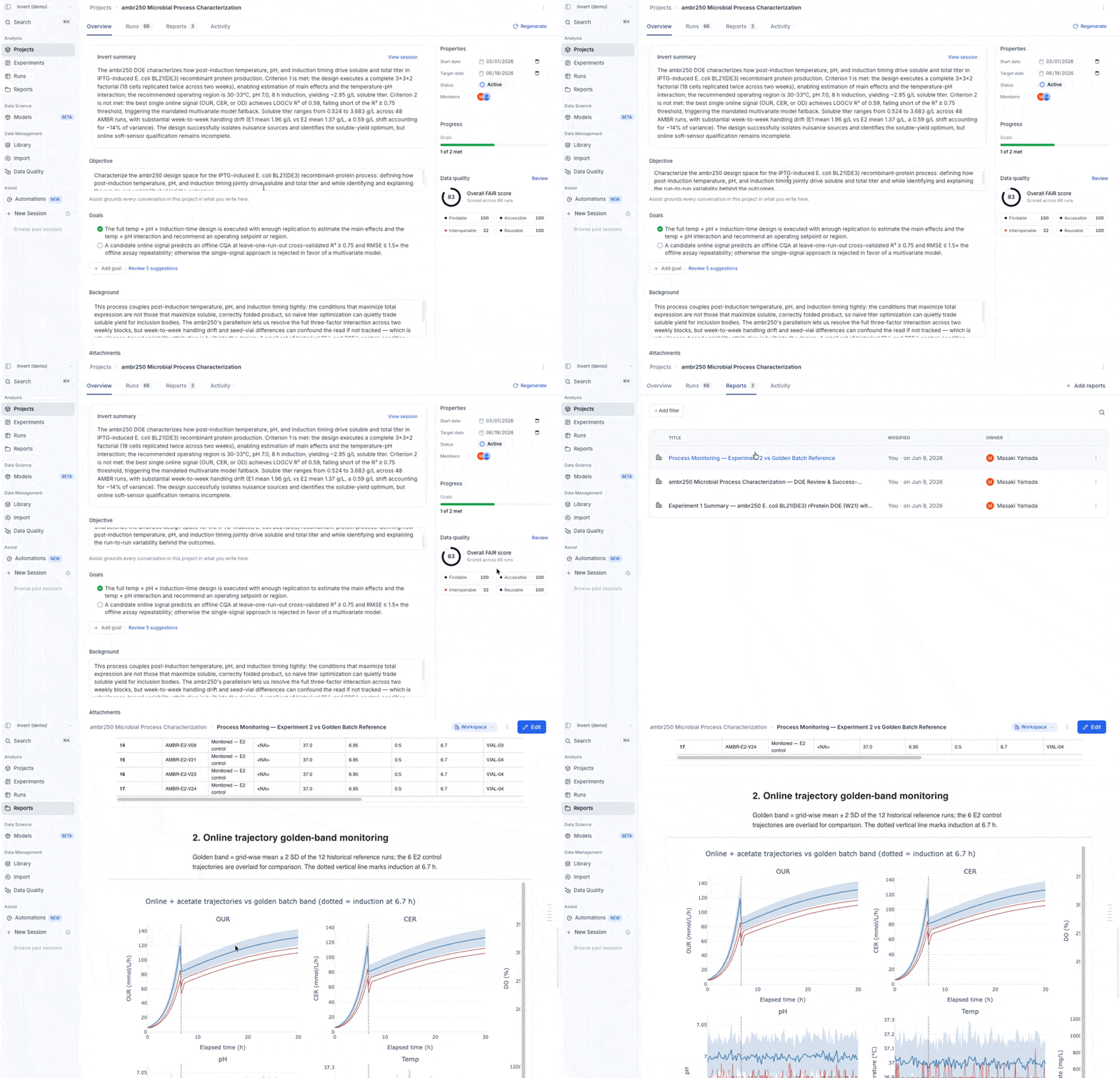
Every project starts with a question. Which media gives the best titer? Can this process scale to 200L? What operating point balances yield and quality?
Today the answer is scattered across dozens of experiments, old reports, slide decks, and the memory of whoever ran the work. When a new scientist joins, when the process transfers to a CDMO, when someone asks "why did we pick this media?" — reconstructing the answer takes hours. Sometimes it's gone entirely.
Projects pulls that together. A Project captures the question you're answering, the data you're using to answer it, and — when you're done — what you decided.
What you can do
- State the objective. A stated goal keeps every run, report, and Assist conversation pointed at the question that matters — so it's clear what to do next, and when you're done.
- Pull in the runs that matter. Add specific runs from any experiment: test conditions from this quarter, controls from last year, reference data from the platform. Upload the tech reports and protocols that inform the work, and add your team.
- Give Assist the full picture. Every Assist conversation inside a project builds on the objective, the constraints, and the history — so it can answer "are we on track?" grounded in your data, not just the last chart you asked for. No re-explaining your work each time you open the chat.
- Scope quality and insights. Data quality scores and analytical suggestions narrow to your project's runs and objective — just the flags relevant to the question you're answering, not every flag in your org.
- Capture a conclusion that persists. When the project completes, record what was decided. That conclusion becomes part of your organization's knowledge — available to the next project, the next scientist, the next question.
How it works
Create your first project from the Projects page in the left navigation. Give it an objective, add your runs, upload any reference files, and invite your team. From there, everything you already do in Invert — analysis, reports, the timeline, Assist — can be scoped to the project, with your runs already selected.
Available now for all Invert customers.