---
title: "Improvements: Assist Fixes Failed Imports, Prepares Actions, and Writes Formulas"
slug: 2026-08-13-improvements-assist-imports-actions-formulas
date: 2026-08-13
type: improvement
tags: ["assist","import","runs","library","reports"]
url: https://invertbio.com/changelog/2026-08-13-improvements-assist-imports-actions-formulas
---
# Improvements: Assist Fixes Failed Imports, Prepares Actions, and Writes Formulas
August 13, 2026 · Improvement · Assist, Import, Runs, Library, Reports
A roundup of recent improvements, most of them putting Assist to work in more places across Invert.
**Fix a failed import with Assist**
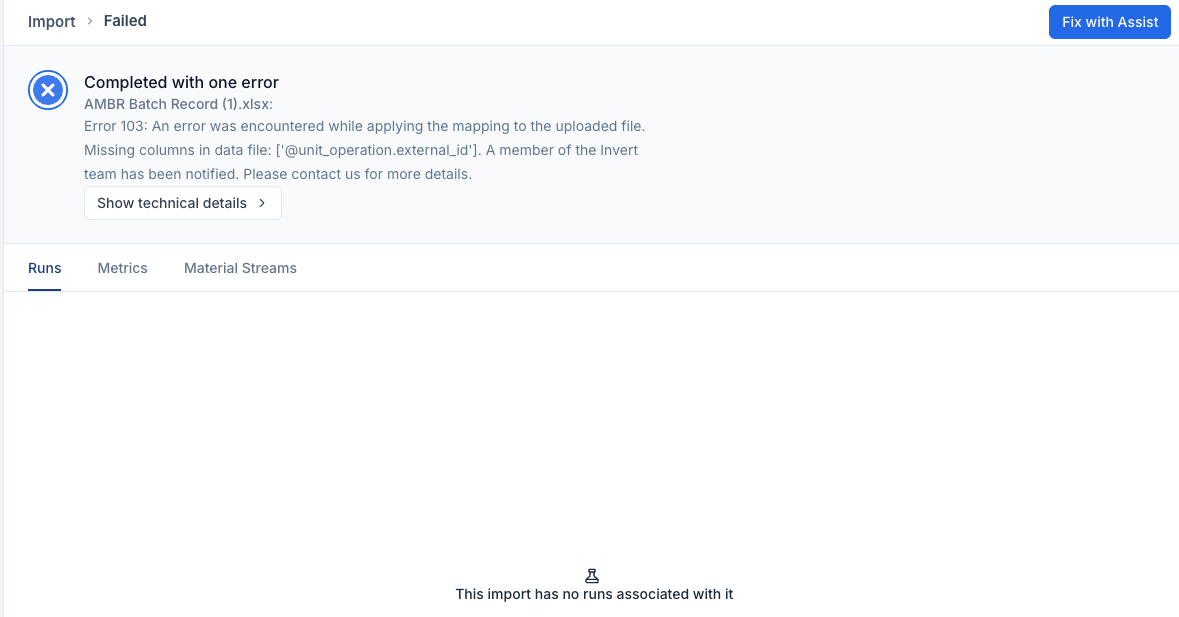
When an import doesn't go through, select `Fix with Assist` on the import and Assist works out what went wrong, adjusts the data or the mapping, and stages a corrected preview for you to review and confirm.
**Assist sets up actions for you to confirm**
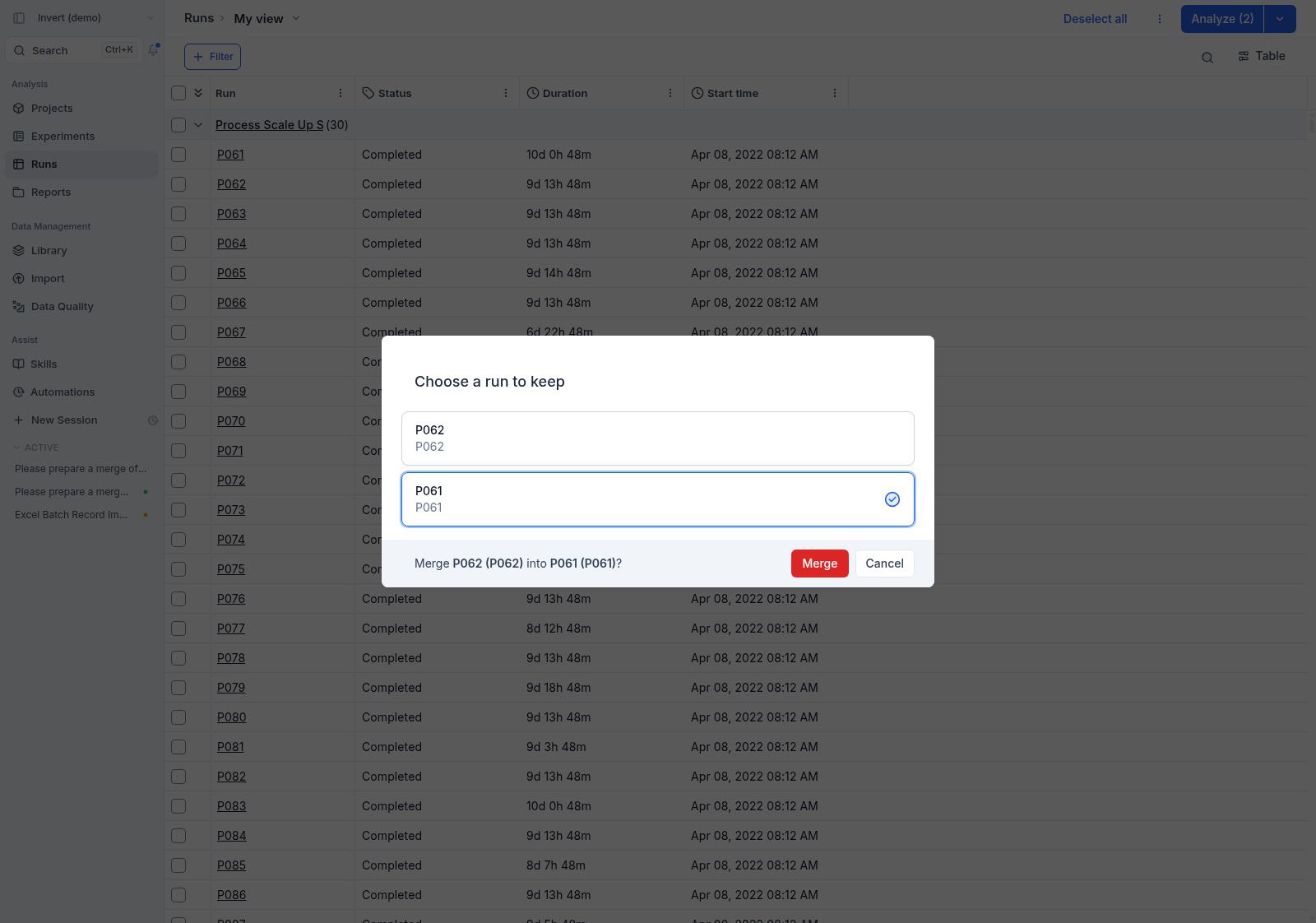
For actions that live in the app, Assist now prepares them for you: ask it to merge two runs and it opens the merge page with everything already selected, so all that's left is a look and a click.
**Create formulas with Assist**
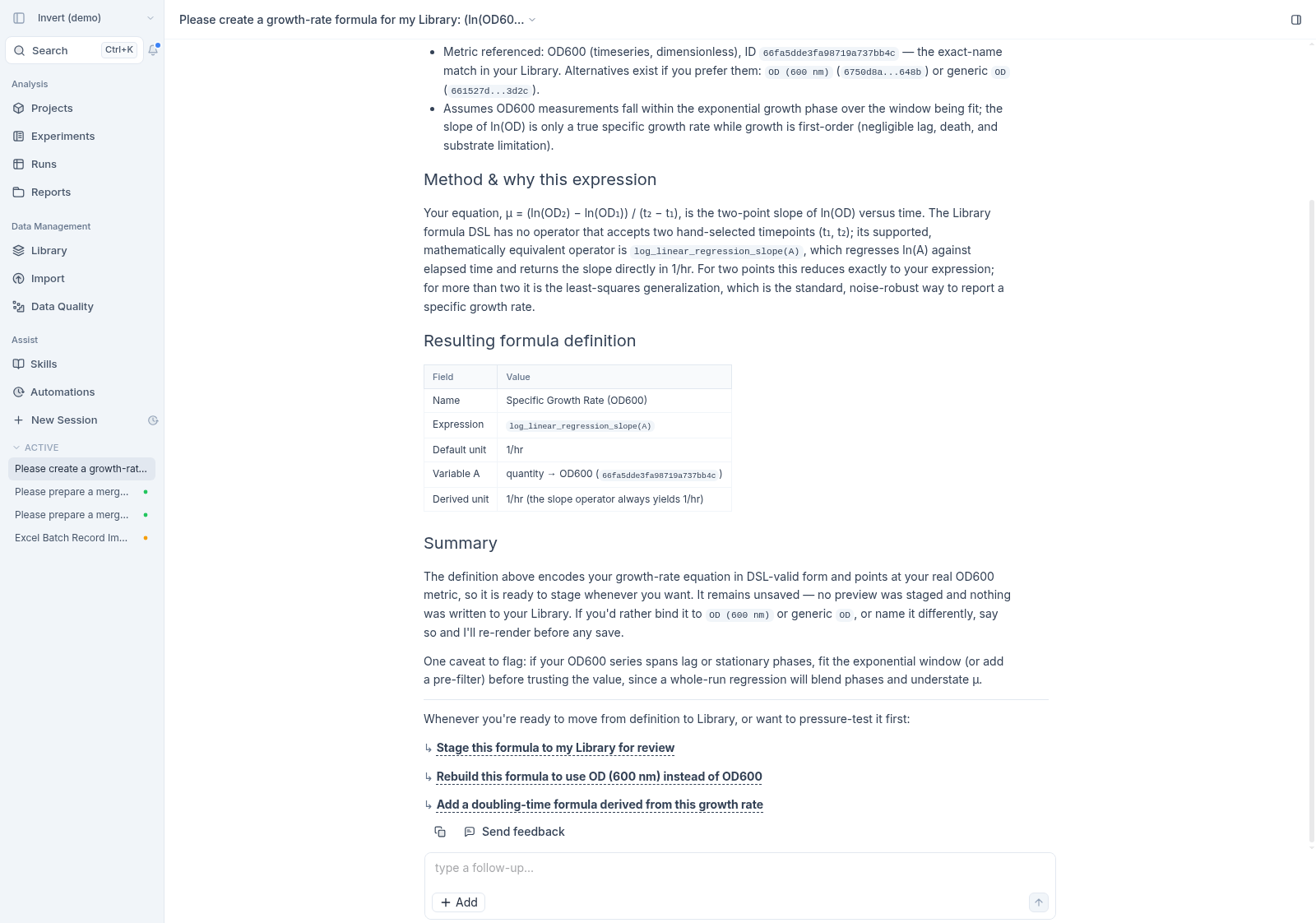
Describe the calculation you want, or hand Assist a document containing the equations, and it writes the formula into your Library ready to use. Assist can edit existing formulas the same way.
**And a few more**
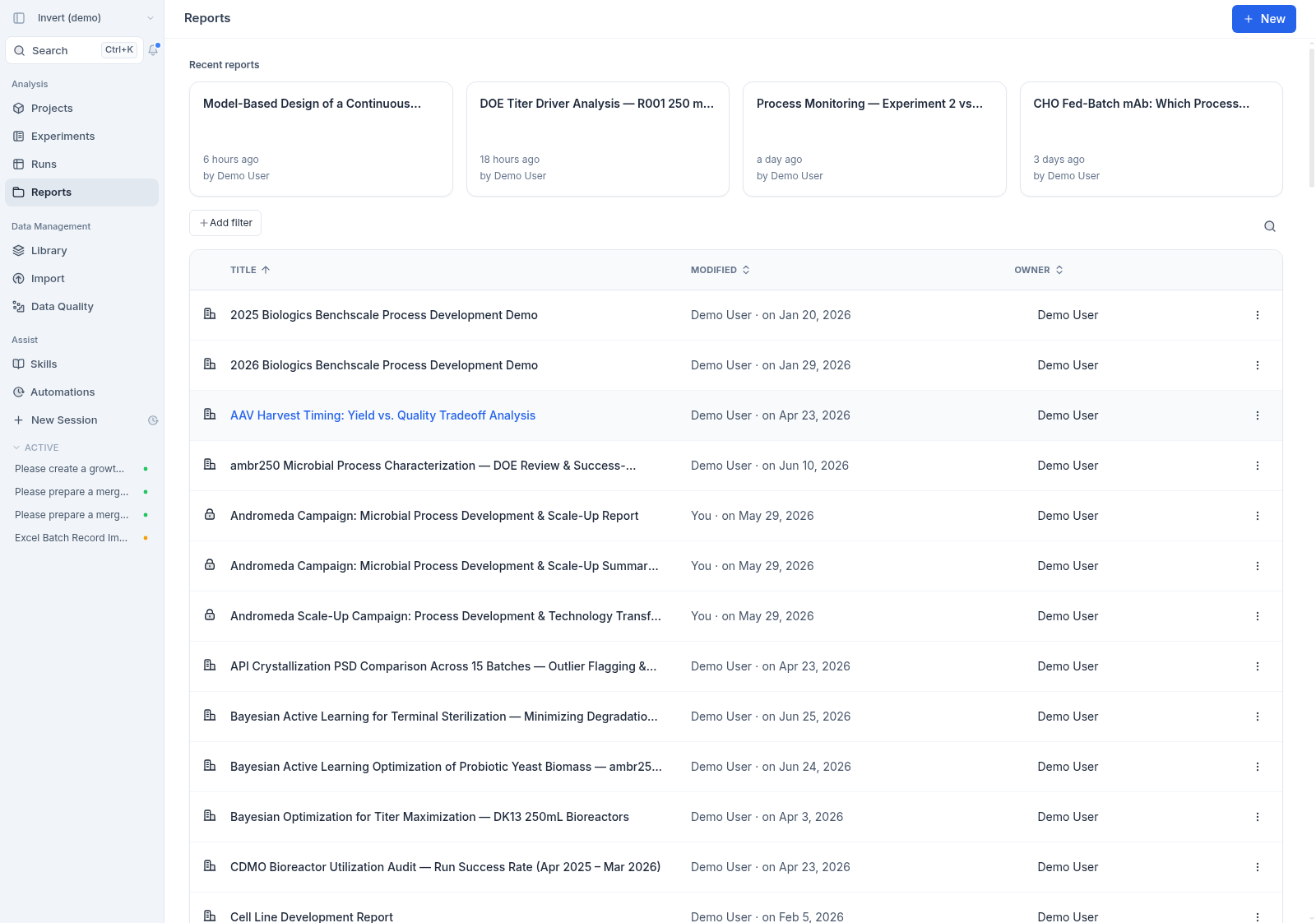
- Sort the `Reports`, project reports, and `Skills` tables by any column — select a column header to order the table by it.